
Video Surveillance Camera coverage you can actually use.
High-resolution IP cameras, network video recorders and remote viewing — placed for the views that matter and connected to a network built to carry them. Plus LED perimeter and yard lighting so cameras see at night.
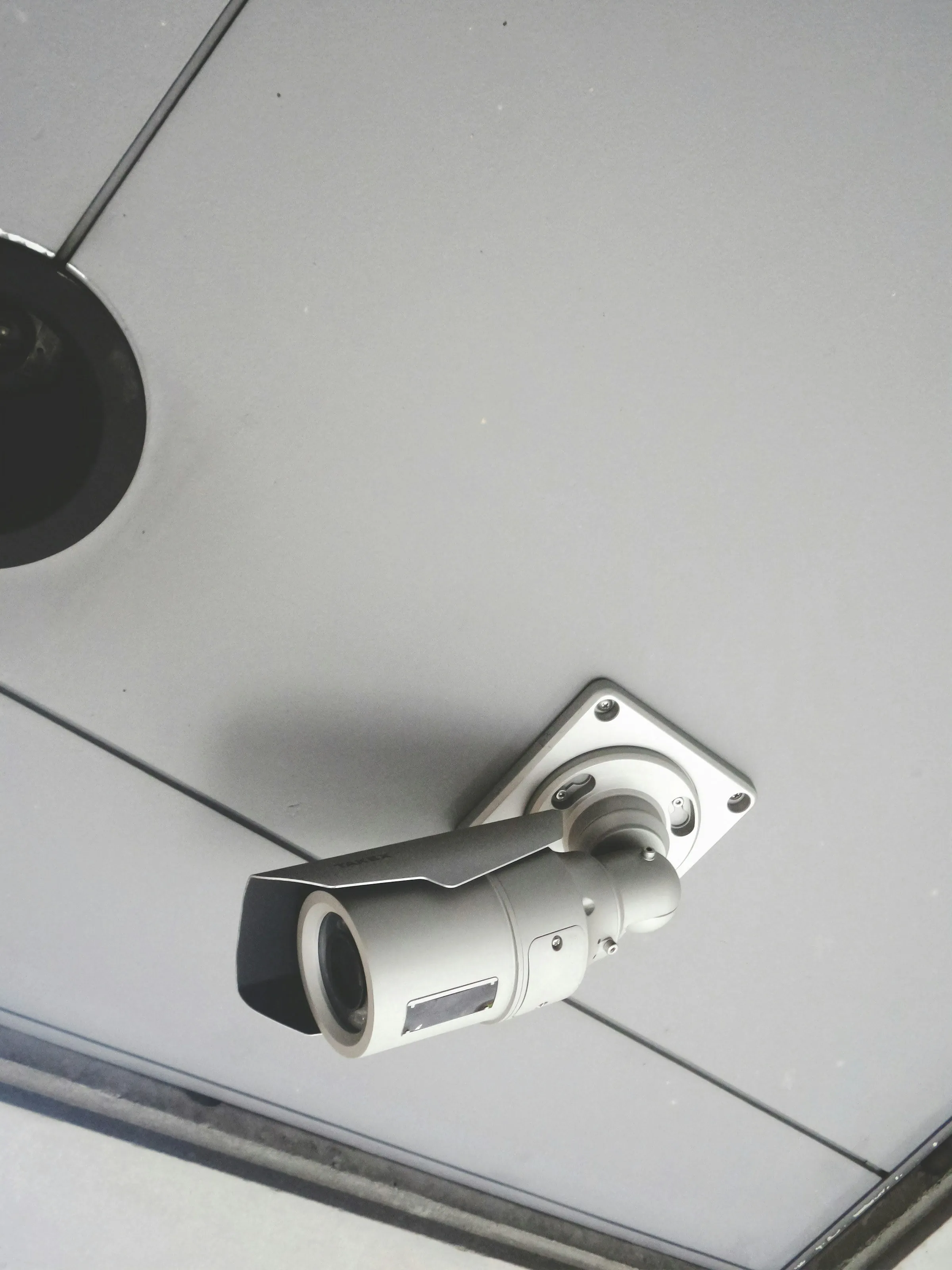 A-03 · Security layer
 What’s in scope.
Everything we design, install and support under video surveillance — scoped to your site after a walk-through, not from a template.
-
Camera design & placement
Each camera chosen and aimed for its job — identifying faces at entrances, reading activity across lots and hallways — with lighting and mounting height accounted for day and night.
-
IP cameras & NVRs
Network video recorders sized for your camera count, resolution and retention period, with storage calculated up front instead of discovered when the drives fill.
-
Remote monitoring
Secure live and recorded viewing from phones and browsers, so owners and managers can check in on every site without being on site.
-
Network-ready installs
Cameras powered over PoE and placed on their own VLAN, so video traffic doesn’t compete with the systems your business runs on.
-
LED perimeter & yard lighting
LED lighting for perimeters, yards and lots that supports security and operations — and gives cameras the light they need for usable night footage.
Five steps, every job.
The same process from a single-rack retrofit to a multi-site rollout. Nothing is signed off until it has been tested and documented.
-
Step 01: Assess
We walk the site with you — pathways, closets, power, existing systems — and document what is actually there before anything is priced.
-
Step 02: Design
A clear plan for the infrastructure, scoped to your site — no guesswork, no surprises.
-
Step 03: Install
ANSI/TIA-compliant installs with pre-staged kits, after-hours work and phased cutovers — we work around your operations, not through them.
-
Step 04: Certify
Every run, rack and port is tested and documented before we leave the site. You get the reports.
-
Step 05: Support
Post-install MAC work, warranty response and managed service contracts. We don’t disappear after sign-off.
Hardware from the manufacturers enterprise IT already trusts.





Common questions.
How much recording storage do we need?
It depends on camera count, resolution, frame rate, compression (H.265 typically needs considerably less space than H.264), how busy each scene is, and whether cameras record continuously or on motion. Start from how many days of footage you need to keep, then size the recorder to match — not the other way around.
Cloud or on-premises video recording?
An on-site NVR keeps footage local, avoids per-camera subscriptions and keeps recording if the internet goes down. Cloud video management adds off-site storage, easy multi-site access and managed updates, usually for a per-camera fee and with upload bandwidth to plan for. Hybrid systems that record locally and sync key footage to the cloud are increasingly common.
Is a higher-megapixel camera always better?
Not necessarily. What matters is pixel density on the subject: a 4K camera covering a whole parking lot can capture less facial detail than a 1080p camera aimed at a doorway. Good designs start from each camera’s purpose — detect, observe, recognize or identify — and pick the lens, resolution and position to match.
Is it safe to view our cameras remotely?
It can be, when it’s set up properly. Best practice is to avoid exposing recorders directly to the internet through port forwarding, use the manufacturer’s secure remote service or a VPN instead, replace default passwords, and keep camera and recorder firmware up to date.
Planning video surveillance work?
Tell us about the site. We’ll walk it with you, document what’s there and scope the job before anything is priced.