
Access Control Every door, on your terms.
Card and mobile credentials, electric strikes, maglocks and video intercoms that let the right people in — and keep a record of who did. Plus modern time and attendance for any workforce.
 A-04 · Entry layer
 What’s in scope.
Everything we design, install and support under access control — scoped to your site after a walk-through, not from a template.
-
Card & mobile access
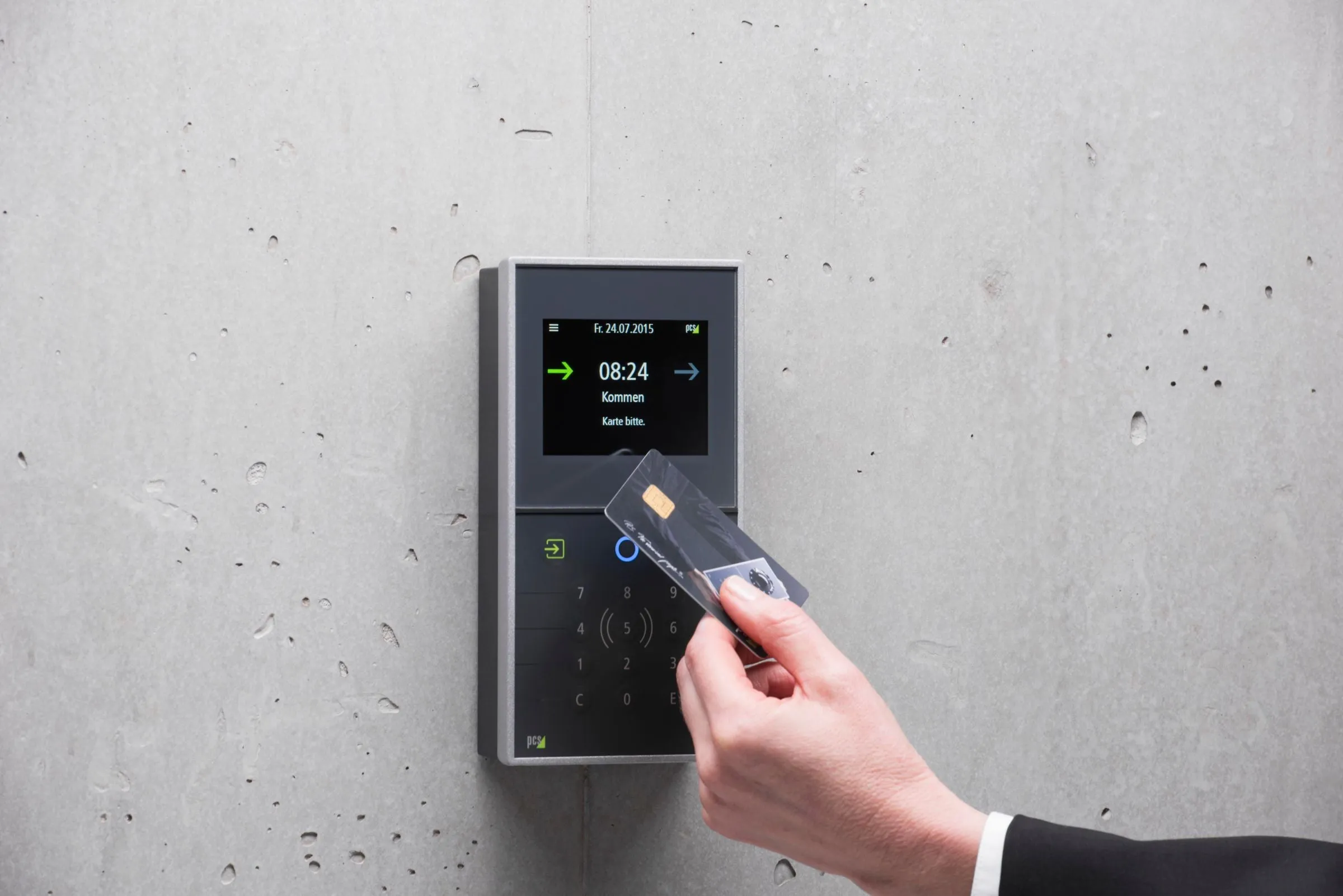
Smart-card readers or mobile credentials on employees’ phones, managed from one system — add or revoke access instantly, set schedules by door and group, and review who entered where.
-
Strikes & maglocks
The right locking hardware for each opening — electric strikes, maglocks, power supplies and request-to-exit devices — matched to the door, frame and life-safety requirements.
-
Video intercom
Video intercoms at entrances and gates so staff or residents can see who’s there, talk to them and release the door without leaving their desk.
-
Time & attendance
Modern time clocks and admin control for any workforce — accurate punches, simpler payroll and fewer disputes over hours.
-
Schedules & audit trails
Door schedules, holiday calendars and event logs that show exactly when each door was used, held open or forced.
Five steps, every job.
The same process from a single-rack retrofit to a multi-site rollout. Nothing is signed off until it has been tested and documented.
-
Step 01: Assess
We walk the site with you — pathways, closets, power, existing systems — and document what is actually there before anything is priced.
-
Step 02: Design
A clear plan for the infrastructure, scoped to your site — no guesswork, no surprises.
-
Step 03: Install
ANSI/TIA-compliant installs with pre-staged kits, after-hours work and phased cutovers — we work around your operations, not through them.
-
Step 04: Certify
Every run, rack and port is tested and documented before we leave the site. You get the reports.
-
Step 05: Support
Post-install MAC work, warranty response and managed service contracts. We don’t disappear after sign-off.
Hardware from the manufacturers enterprise IT already trusts.





Common questions.
Prox cards, smart cards or mobile credentials?
Legacy 125 kHz proximity cards are inexpensive but broadcast an unencrypted number that can be copied with cheap, widely available tools. 13.56 MHz smart cards use encryption and are much harder to clone. Mobile credentials store an encrypted credential on the user’s phone and work over Bluetooth or NFC. For new systems, smart or mobile credentials are the safer choice.
What’s the difference between fail-safe and fail-secure?
A fail-safe lock — like most maglocks — releases when it loses power. A fail-secure lock — like many electric strikes — stays locked from the outside when power is lost, while the inside handle still lets people exit freely. The right choice depends on the door’s role, fire and life-safety requirements and how much security the opening needs during an outage.
Can we put a maglock on any door?
Not without meeting code. Maglocks on egress doors generally need a motion-sensor release, a manual push-to-exit button and automatic release when the fire alarm activates, and requirements vary by jurisdiction and occupancy. That’s why hardware should be chosen with the local building and fire codes in mind, not just the door.
Can we manage access remotely?
Most modern platforms let administrators add or remove users, change schedules, unlock doors and review activity from a browser or app. Cloud-hosted systems do this natively; many on-premises systems offer secure remote access as well.
Planning access control work?
Tell us about the site. We’ll walk it with you, document what’s there and scope the job before anything is priced.