
Networking & Wireless Networks built for uptime, not just install day.
Switches, firewalls, VLANs, UPS power and enterprise Wi-Fi, designed around how your building actually works. One team from the patch panel to the access point.
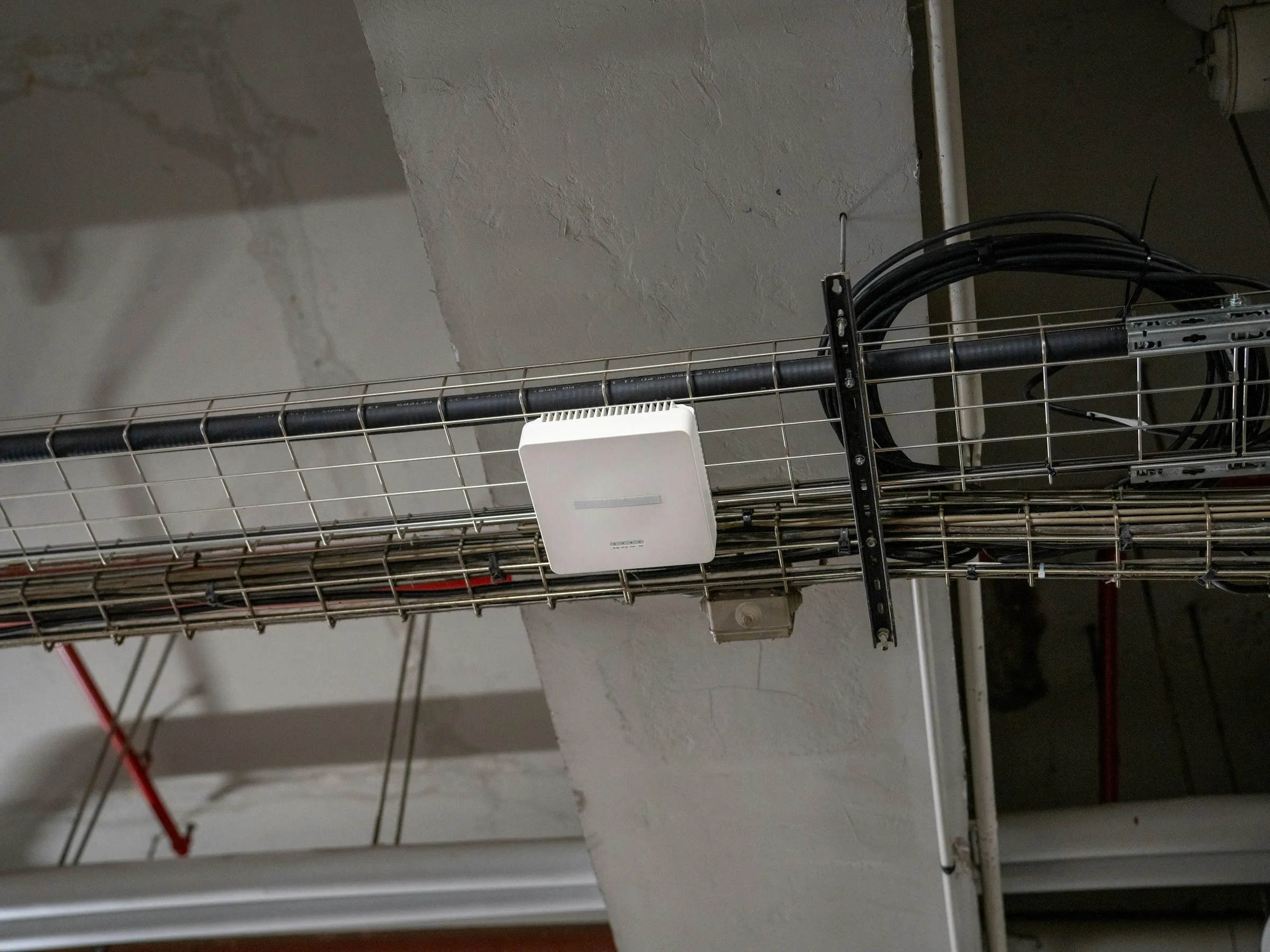 A-02 · Network layer
 What’s in scope.
Everything we design, install and support under networking & wireless — scoped to your site after a walk-through, not from a template.
-
Switching & VLANs
Managed switching with VLANs that keep staff, guest, voice, camera and building-system traffic apart — and PoE budgets sized for the devices you actually run.
-
Firewalls & secure edge
Firewall configuration that controls what enters and leaves your network, with secure remote access and site-to-site connectivity for multi-location businesses.
-
Enterprise Wi-Fi design
Access points planned around client density, wall construction and roaming — then deployed and optimized for full coverage, not just a signal in the lobby.
-
UPS & power
Rack UPS and power distribution that ride through short outages and give switches, firewalls and PoE devices time to shut down cleanly during long ones.
-
Internet service brokerage
Carrier sourcing, redundancy planning and SLA negotiation — so you get the right circuits, a backup path and terms you understand.
-
POS install & training
Point-of-sale setup, peripherals and network security for retail and hospitality, plus training so staff are confident at open.
Five steps, every job.
The same process from a single-rack retrofit to a multi-site rollout. Nothing is signed off until it has been tested and documented.
-
Step 01: Assess
We walk the site with you — pathways, closets, power, existing systems — and document what is actually there before anything is priced.
-
Step 02: Design
A clear plan for the infrastructure, scoped to your site — no guesswork, no surprises.
-
Step 03: Install
ANSI/TIA-compliant installs with pre-staged kits, after-hours work and phased cutovers — we work around your operations, not through them.
-
Step 04: Certify
Every run, rack and port is tested and documented before we leave the site. You get the reports.
-
Step 05: Support
Post-install MAC work, warranty response and managed service contracts. We don’t disappear after sign-off.
Hardware from the manufacturers enterprise IT already trusts.






Common questions.
Why segment a network with VLANs?
VLANs split one physical network into separate logical networks. That limits what a compromised device can reach, keeps guest and camera traffic away from business systems, contains broadcast traffic and lets you apply different security and quality-of-service rules to each group.
How many Wi-Fi access points do we need?
Capacity matters more than square footage. The number of devices connecting at once, what they’re doing (video calls versus email), wall and ceiling construction and roaming needs all change the answer. A predictive design from floor plans, confirmed on site, avoids both dead zones and over-built networks that interfere with themselves.
What is a PoE budget, and why does it matter?
Power over Ethernet delivers power and data on one cable. Per port, 802.3af provides up to 15.4 W at the switch, 802.3at (PoE+) up to 30 W, and 802.3bt up to 60 or 90 W. Each switch also has a total power budget — if cameras, access points and phones together exceed it, some devices won’t power up, so budgets should be planned with headroom.
Cloud-managed or traditionally managed networking?
Cloud-managed platforms such as Cisco Meraki let you configure and monitor every site from a web dashboard, usually in exchange for ongoing licensing. Locally managed equipment avoids recurring license fees but relies on in-house or contracted expertise to administer. The right fit depends on how many sites you run and who will manage them.
Planning networking & wireless work?
Tell us about the site. We’ll walk it with you, document what’s there and scope the job before anything is priced.