
Audio & Video Rooms that work when the meeting starts.
Displays, speakers, mounts and tuning for any space or scale — conference rooms, digital signage and distributed audio, installed cleanly and set up so people can walk in and start.
 A-06 · Experience layer
 What’s in scope.
Everything we design, install and support under audio & video — scoped to your site after a walk-through, not from a template.
-
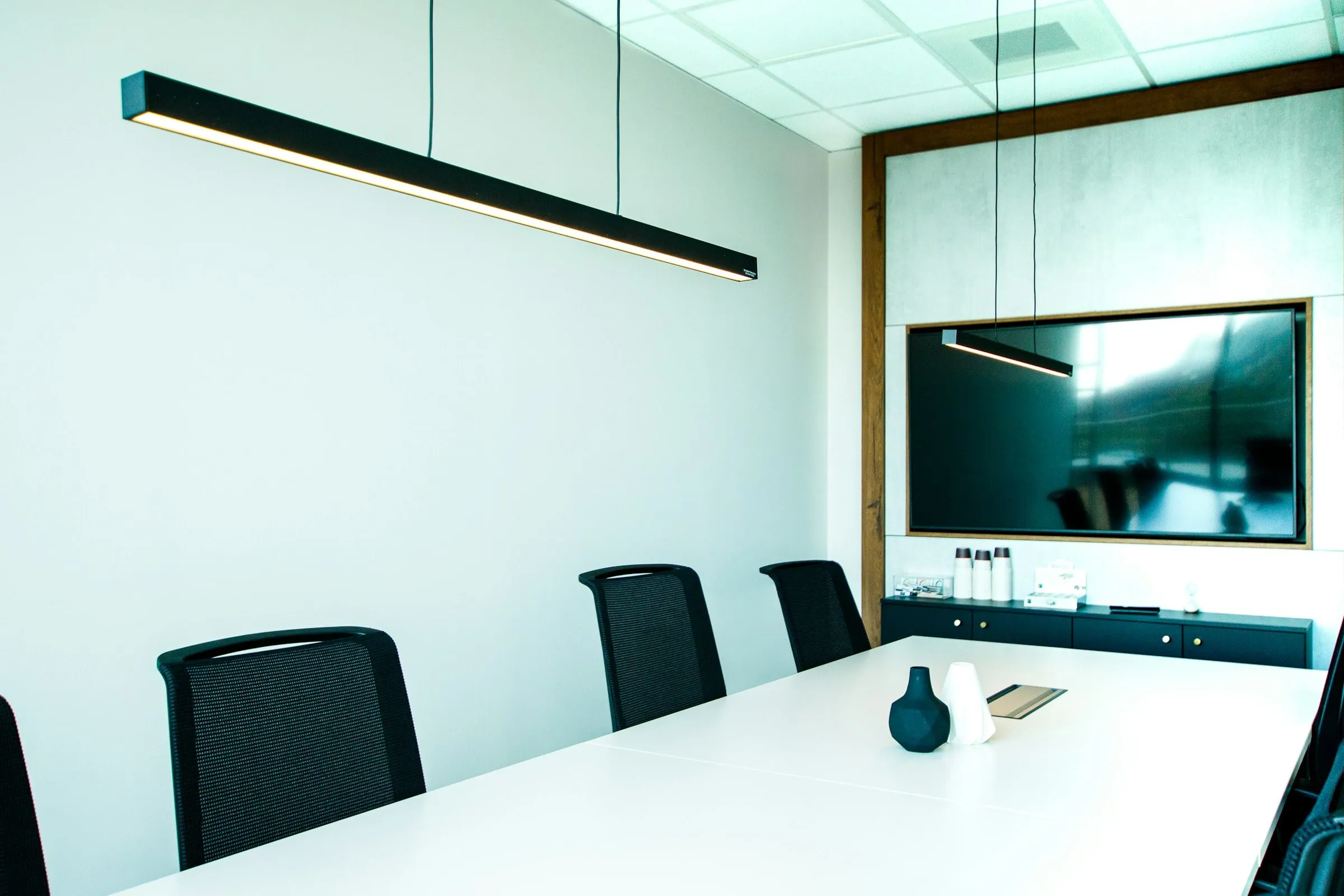
Conference & huddle rooms
Displays, cameras, microphones and speakers for video meetings, with simple controls so meetings start on time instead of ten minutes late.
-
Displays & digital signage
Commercial displays and signage for lobbies, menus, wayfinding and announcements, with content that can be updated without a ladder.
-
Distributed audio
Background music and zoned audio for offices, retail and hospitality, with volume and source control by area.
-
Mounting & clean installs
Wall, ceiling and furniture mounts with concealed cabling — equipment that looks intentional, not added later.
-
Tuning & commissioning
Levels, speaker coverage and microphone pickup tuned to the room, so speech is clear in every seat and on the far end of the call.
Five steps, every job.
The same process from a single-rack retrofit to a multi-site rollout. Nothing is signed off until it has been tested and documented.
-
Step 01: Assess
We walk the site with you — pathways, closets, power, existing systems — and document what is actually there before anything is priced.
-
Step 02: Design
A clear plan for the infrastructure, scoped to your site — no guesswork, no surprises.
-
Step 03: Install
ANSI/TIA-compliant installs with pre-staged kits, after-hours work and phased cutovers — we work around your operations, not through them.
-
Step 04: Certify
Every run, rack and port is tested and documented before we leave the site. You get the reports.
-
Step 05: Support
Post-install MAC work, warranty response and managed service contracts. We don’t disappear after sign-off.
Hardware from the manufacturers enterprise IT already trusts.

Common questions.
Why use a commercial display instead of a consumer TV?
Commercial displays are built for longer daily operating hours, often run brighter, include control ports for room systems and carry warranties that cover business use — many consumer TV warranties don’t. They also skip consumer features like on-screen ads and surprise software updates.
What makes a conference room good for video calls?
Audio first: microphones that cover every seat, echo cancellation and a room that isn’t too reverberant. Then a camera at roughly eye level that frames the whole table, a display sized for the viewing distance, and controls simple enough that anyone can start a meeting.
What is 70-volt audio?
70V (or 100V) constant-voltage audio lets one amplifier drive many speakers over long cable runs, with each speaker tapped to its own level. It’s the standard approach for ceiling speakers in offices, retail spaces and paging systems.
How far can we run HDMI?
Passive HDMI cables are reliable only over fairly short distances — roughly 15 meters, less at higher resolutions. For longer runs, HDBaseT extenders carry video up to 100 meters over a single Cat 6A cable, and AV-over-IP distributes video across a network to many displays.
Planning audio & video work?
Tell us about the site. We’ll walk it with you, document what’s there and scope the job before anything is priced.